ChatGPT Space and Pages A guide to documents and collaboration

A useful answer can disappear into a long chat history. The next meeting creates another conversation, and suddenly the latest plan, its supporting files, and unresolved decisions live in different places. ChatGPT Space and Pages address that coordination problem by giving work a document people can return to and revise.
This guide covers a DevDay 2026 topic using official documentation checked on September 30, 2026. It explains the product structure and a practical adoption approach, not results from a hands-on benchmark. Account access, connected apps, and organization settings determine which controls appear.
Understand the three layers
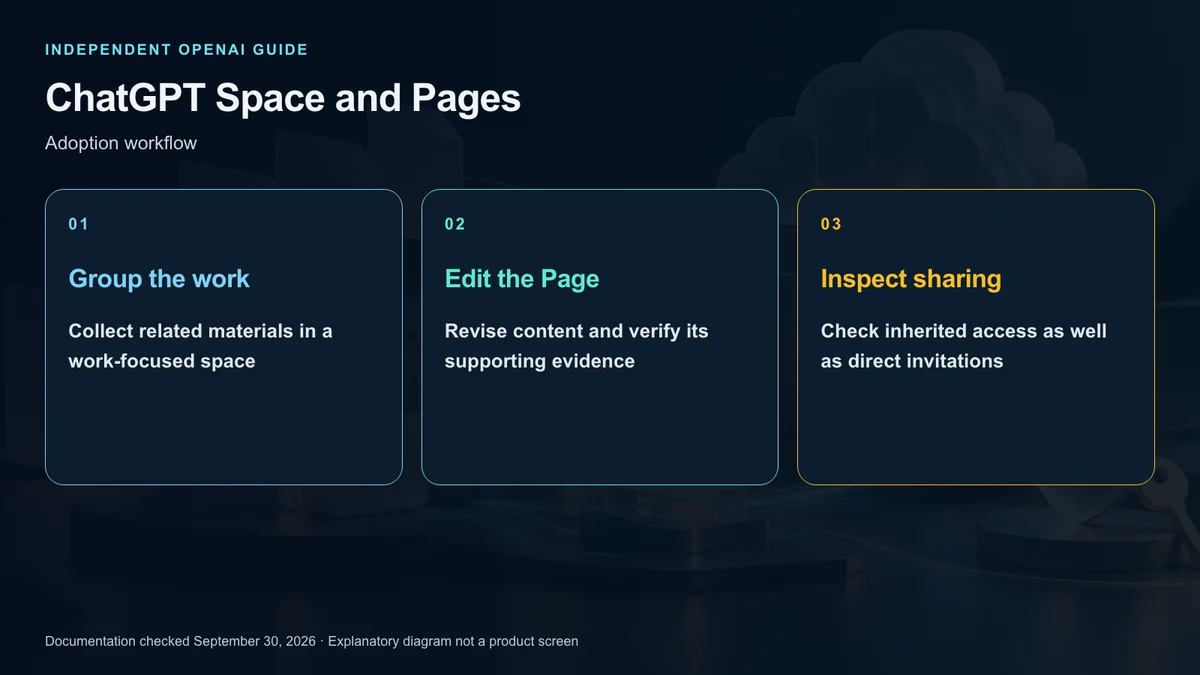
The workspace you enter determines whether you are working personally or under an organization’s account. Its membership and policies affect the apps and materials available. Space brings accessible work together, while an individual space groups pages for a project or team.
A Page is the document itself. It can hold a plan, research notes, a team reference, or child pages for related subjects. This distinction matters when sharing: giving someone access to a whole project is different from inviting them to one document.
Pages do not make conversations obsolete. Discuss uncertain questions in chat, then preserve the agreed decisions and relevant evidence in the document. Document sharing does not, by itself, expose personal conversation history or information retained as memory.
Build a first page around an outcome
Start with an enabled account, create a page, and give it a concrete purpose. Add notes, links, or files needed for that purpose. If several pages belong together, create a space; if an external reviewer needs only a brief, consider sharing that page separately.
For a US product team, an illustrative starting point is a launch-readiness brief with 3 sections: confirmed commitments, proposals, and open questions. Connect the approved plan and product notes, but keep customer contact data out of a document that will be shared broadly.
Ask ChatGPT to organize the material without changing approved dates or inventing missing decisions. Read the resulting page before sharing it. A polished paragraph is not evidence that its underlying commitment has been approved.
Edit the relevant part
Pages use content blocks for elements such as paragraphs, headings, lists, and tables. The slash menu provides ways to add supporting files, images, references, and other available content. A reference can keep the relationship to an existing source clearer than copying everything into the page.
For a narrow revision, select the passage and use the offered Ask for change control. State what should change and what must remain intact. For example, simplify a project explanation while retaining the budget, owner, and unresolved approval status.
Comments support discussion. A comment addressed to a colleague is feedback; a supported mention addressed to ChatGPT or a dot is an agent request. Before asking for a change, verify which person or agent the comment will reach.
Source access and page access differ
A linked file keeps the permissions of its original service. Someone may be able to read your Page while being unable to open the linked source. Sharing a page therefore does not replace source-service authorization.
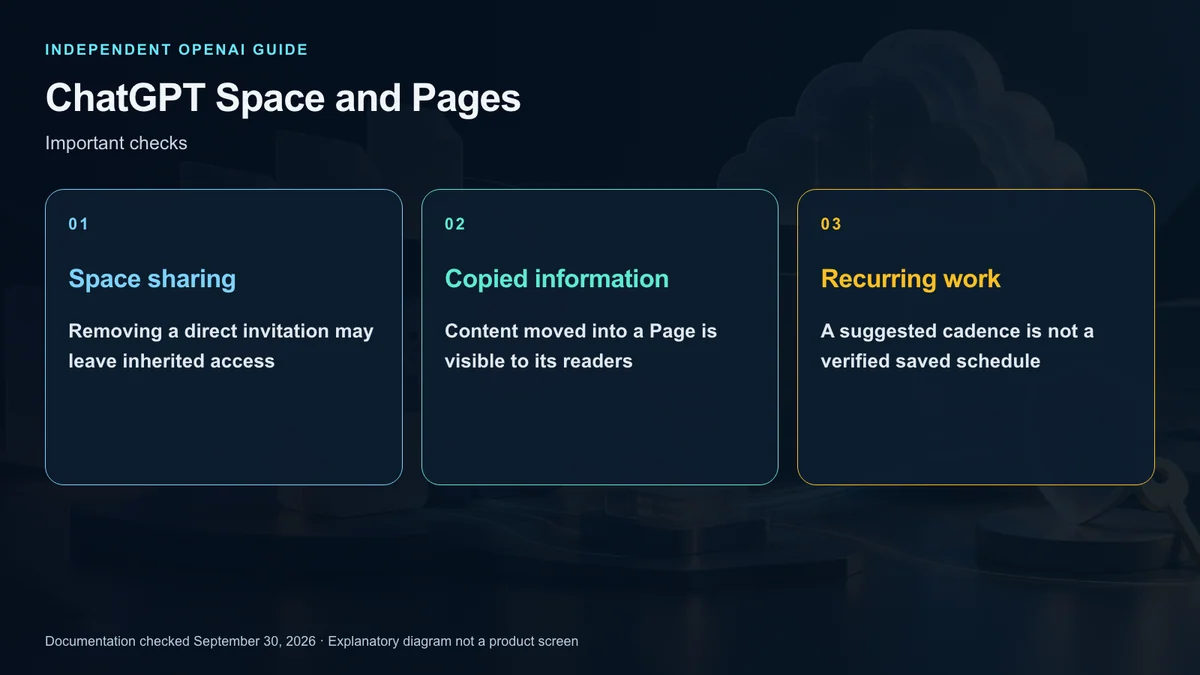
The opposite risk also matters. If ChatGPT summarizes a restricted source into a broadly shared page, the summary becomes visible to the page’s readers. The fact that an agent can read a source does not establish permission to redistribute its contents.
Review copied information separately from links. A vendor contract can be relevant to a launch brief without every reader being entitled to its confidential terms. Treat a shared summary as a disclosure decision, not merely a formatting change.
Choose and verify collaboration permissions
Use the roles offered in the sharing interface. Reading, commenting, and editing are different needs, and available roles can depend on the recipient type. Give a reviewer only the access required for their role.
Access can also flow from a parent page or shared space. Deleting a direct invitation does not remove an inherited path that still exists. When someone should no longer have access, inspect both the document and its parent sharing settings.
After sharing, have the intended recipient open the work from the expected account. If a source link fails, examine source permissions separately. A successful invitation is not a complete access test.
Work with ChatGPT and dots
ChatGPT can help structure a draft, compare evidence, or revise selected text. An available dot can also receive a bounded page-related task. Collaborators may have different agents, tools, or instructions even when they see the same document.
An illustrative request is to compare this week’s approved project notes with the previous brief and identify changed decisions. Make clear whether the agent should propose wording or edit the Page. Review the result before presenting it as the team’s final position.
Verify recurring work separately
The current agent guide says Keep Updated is unavailable at launch. Writing a weekly cadence in a document does not confirm that a schedule exists.
If you set up recurring work through an available scheduling flow, inspect the saved task, timing, and enabled state. For a US team spread across time zones, specify the intended zone and consider daylight-saving changes. Observe the first execution and inspect what changed in the Page; schedule registration alone is not proof of a successful update.
Decide what remains the source of truth
You do not have to replace an existing document service. It can remain the system that holds approved records while Pages holds working briefs and collaborative drafts. Agree on which version is authoritative and who may finalize it.
Before external sharing, check facts, confidential information, source rights, and unresolved commitments. The useful shift is from an isolated answer to a revisitable document, but that shift works best when evidence, editing responsibility, and access are explicit.
Sources and editorial note
This is an independent explainer, not an OpenAI publication or endorsement. Product names identify their respective owners. Illustrations and diagrams are explanatory, not actual product screens or official OpenAI artwork.
Sources: OpenAI ChatGPT Learn — Space · Getting started · Pages · Collaboration · Agents and recurring work