Codex Cloud guide Environments tests and reviewable code changes
A coding agent cannot finish useful project work if it lacks the package manager, a private dependency, or the service access needed to run a test. Codex Cloud addresses the execution setup as well as the coding task: prepare an environment, run scoped work, then inspect the results.
This guide uses official documentation checked September 30, 2026. It develops the DevDay cloud-work topic into an adoption workflow. The debugging scenario is illustrative, not a report from a tested repository. Account access and organization policies affect the controls available.
Separate setup from task state
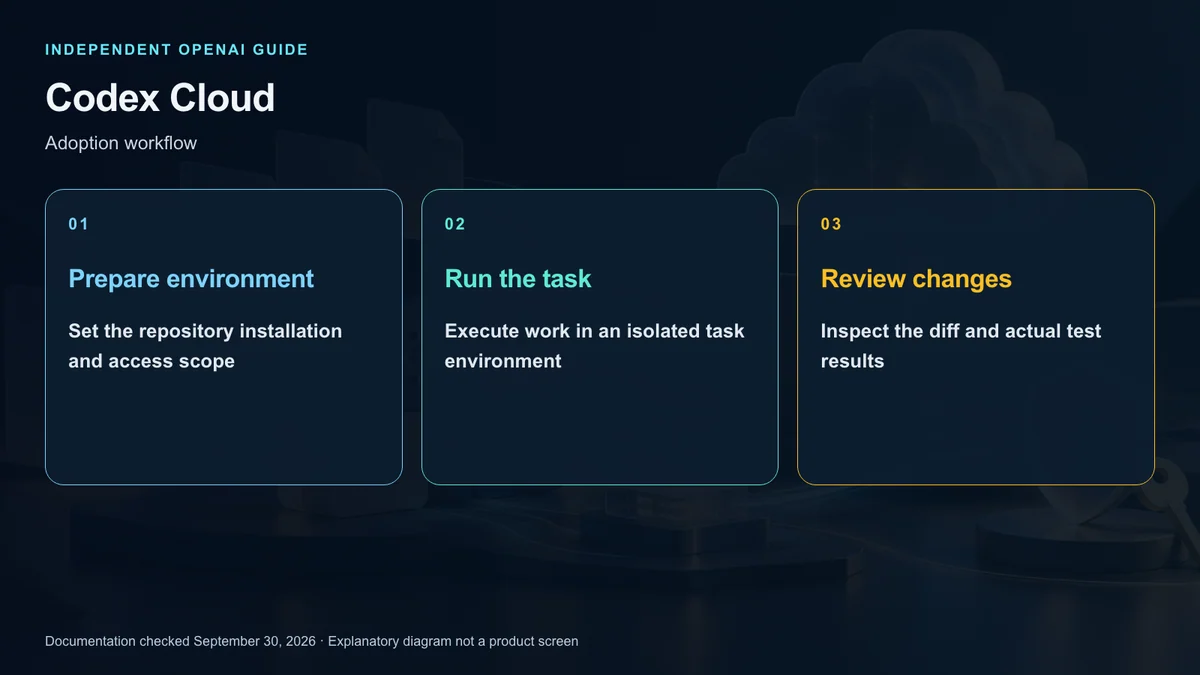
An environment bundles project setup: source repositories, required software, available tools, and service permissions. After preparation and publication, a new task starts from that setup in its own workspace.
Reusing a setup does not mean every task shares the same edited files. Existing tasks keep their working state; new tasks use the published environment. Republishing setup does not automatically replace every running task’s state.
Putting a laptop to sleep does not itself stop work hosted in the cloud. The remote environment must still contain the relevant files and permitted service connections. Running remotely does not turn a resource on your laptop into a cloud-accessible resource.
Prepare and publish deliberately
On the web or desktop app, choose Cloud through Work in and select an environment. If none exists, create one and choose the GitHub repositories needed. Codex examines the project, prepares tools and dependencies, and asks for missing details.
Give it the team’s required runtime versions, package manager, test commands, and service prerequisites. Automatic preparation benefits from a clear definition of a working project.
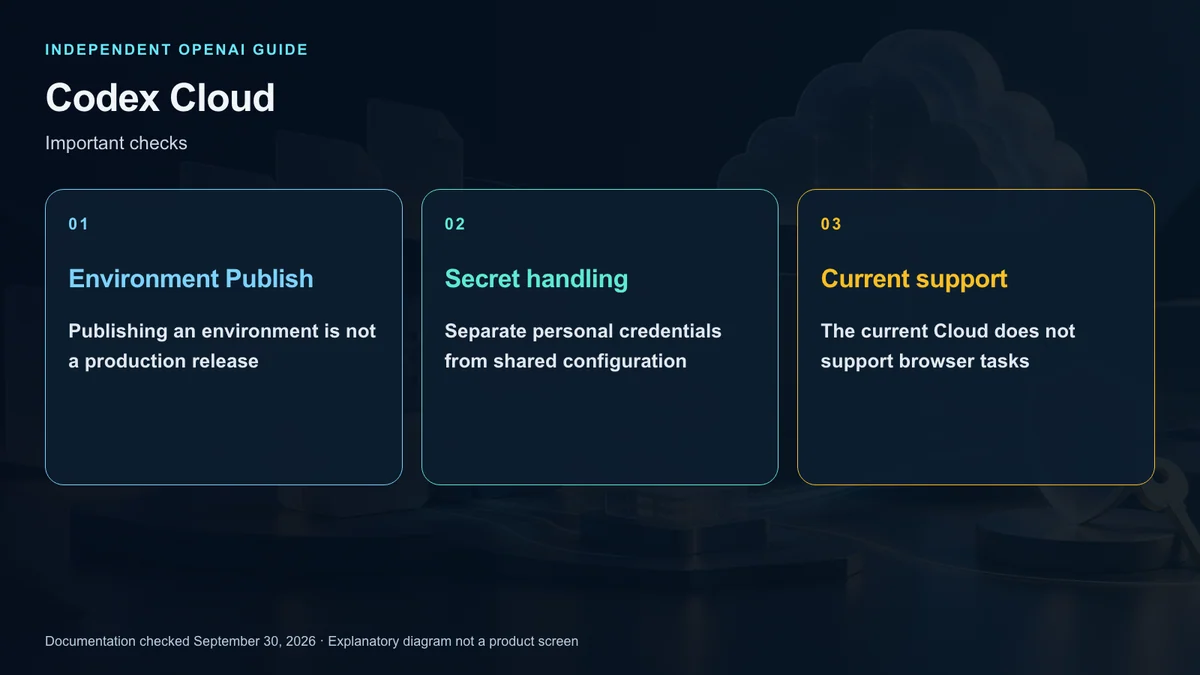
Review setup reports and resolve failures before publishing. Publish captures the prepared environment for new tasks; it does not deploy your website or release an application.
Distinguish installation and startup
Installing dependencies and starting services are different jobs. The documentation separates an Install script from a Start skill that describes startup and readiness checks.
When setup changes, check saving, testing, and republication separately. Validate significant changes in a new task. Prepared state can be reusable without replacing source control, so preserve important output through commits or appropriate artifacts.
A US team can pilot this with a small repository before moving a complex project. That is an adoption suggestion, not a claim that cloud execution is always faster than a local machine.
Inspect network access and credentials
A domain allowlist grants a route, not account permission. If a package request fails, inspect destination access and authentication separately.
Environment variables are values a program reads directly. Network secrets use a proxy substitution mechanism for allowed HTTPS destinations; programs receive a placeholder rather than the raw credential. The current guide describes HTTPS on port 443 and destination restrictions.
When a network secret belongs to the environment, saving it can extend restricted access to the relevant destination domains. A personal secret or a directly exposed variable does not change the destination list through the same mechanism. Reinspect the saved policy instead of assuming every credential automatically enables a route.
Keep actual credentials out of prompts, logs, and commits. Sharing environment requirements does not mean sharing a colleague’s personal vault values.
Define completion before starting work
Include the problem, reproduction conditions, allowed change scope, and verification requirements. An illustrative task might investigate an empty order list caused by a particular filter, then prepare a minimal fix and relevant tests.
Separate investigation, implementation, and acceptance. A request to diagnose is not automatically a request to edit; a request to prepare a change is not authorization to merge or deploy.
For an initial pilot, exclude production data changes and releases. Ask for evidence and a reviewable result so you can assess the workflow without broad operational consequences.
Review the evidence as well as the patch
Inspect changed files and test output. A successful summary is incomplete if it does not identify the commands run or checks skipped because the environment was missing something.
Check unrelated files, dependency changes, credentials, and assumptions in the diff. Committing, opening a PR, merging, and deployment are distinct actions. Support for PR creation does not imply automatic approval to merge.
Separate task workspaces also do not eliminate integration conflicts. Two tasks can produce incompatible changes against the same baseline. Track base versions and decide how the patches will be combined.
Respect current limitations
The current environment guide excludes browser interaction and computer use. It also does not support GitLab repositories or GitHub Enterprise Server installations operated by your organization. Do not transfer the Agents API hosted-browser capability into this product description.
Skills stored in the repository can be available to cloud tasks, while personal Skills on your local computer are not automatically synchronized. Prepare the instructions the task actually needs.
The guide also distinguishes a legacy Codex Cloud experience supporting Code Review and some integrations. Do not assume its settings and the new environment workflow are interchangeable.
Troubleshoot by layer
For a missing tool, inspect the setup command and version. For blocked downloads, check the hostname and authentication. For a missing environment, inspect whether it was published. For an absent update, confirm republication and start a new task.
Codex Cloud makes reusable execution setup and continued remote work practical. The benefit depends on clear boundaries between preparation, task execution, verification, and release; it does not remove the need for those boundaries.
Sources and editorial note
This is an independent explainer, not an OpenAI publication or endorsement. Product names identify their respective owners. Illustrations and diagrams are explanatory, not actual product screens or official OpenAI artwork.
Sources: OpenAI ChatGPT Learn — Codex Cloud · Cloud environments · Pricing and account access