ChatGPT and Codex Plugins A guide to Skills MCP and permissions
Repeating a work procedure in every prompt and copying data out of an external application both create friction. Plugins package repeatable instructions and service-backed capabilities into something users can install. Installation, however, is not a blanket grant of data access or permission to change another system.
This guide examines the DevDay 2026 topic using official documentation checked September 30, 2026. It covers user adoption and the main decisions a developer must make. Examples are proposed workflows, not measured reviews of a particular plugin.
Separate the package from its components
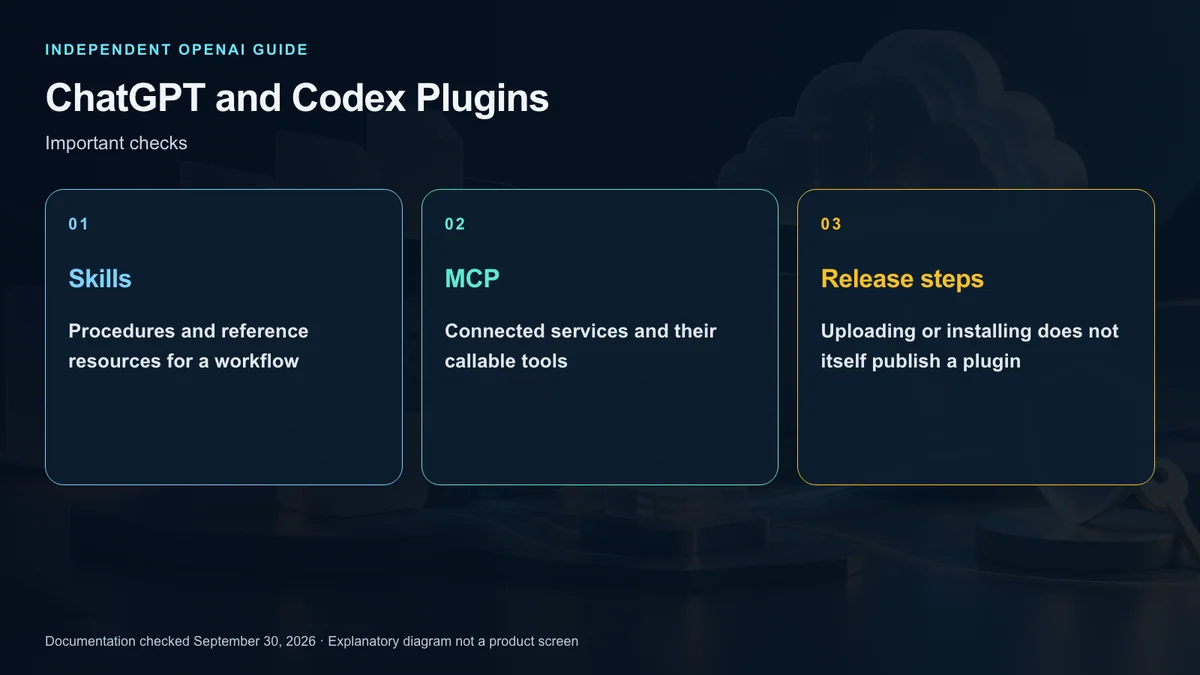
A plugin is the installable package. A Skill supplies instructions and supporting resources for a repeatable job. An MCP server exposes tools that can connect the AI client to external systems.
Consider a support-triage workflow. Guidance for categorizing requests and preparing a review summary can live in a Skill. Retrieving tickets or changing their status requires tools with service access. If existing tools already do everything needed, a Skills-only package may be enough.
Custom UI is optional. A schedule editor or product comparison may benefit from a visual component, while a simple status check may work through text and structured results. The tool should remain meaningful when no custom component is displayed.
Understand the shared directory
ChatGPT and Codex use the same plugin catalog. Users can find a published listing through either product where directory access is available. Distribution across these clients does not make their execution capabilities identical.
Lifecycle hooks illustrate the difference. Their scripts must be present in the execution environment, and installing a listing on the web does not deploy those files elsewhere. Trust requirements are also separate from installation.
Read the publisher’s supported surfaces, prerequisites, and required service accounts. If a listing or action is unavailable, investigate account rollout and workspace controls rather than assuming the package is broken.
Start with a bounded test
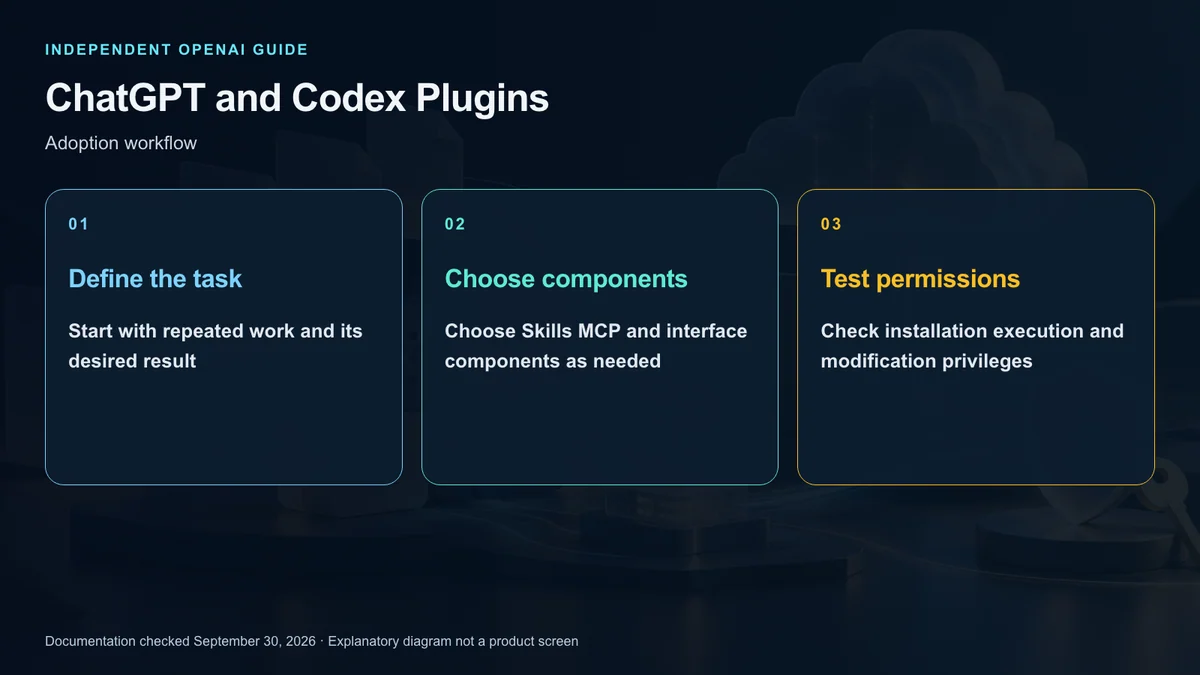
Choose one job before installing anything. Inspect the publisher, the stated capabilities, and requested permissions. Connect the external service only after confirming the intended account and access scope.
Begin with a read-only request. For a US customer-support team, a reasonable trial is summarizing a small set of permitted tickets without closing them or emailing customers. Then test an ambiguous request and one that should not trigger a tool.
On a supported Work surface, you can explicitly select the plugin for a request. Invocation details can vary by surface. Naming the plugin is not a substitute for connecting and authorizing its service.
Keep three security decisions separate
Authentication establishes identity. Authorization determines which records and operations that identity can access. Action approval determines whether a particular consequential operation should proceed. A model asking the user for approval does not replace the server’s access checks.
Design read and write operations distinctly. Searching tickets and closing a ticket have different consequences, so their tools should clearly identify targets, inputs, and effects. Write paths also need safeguards against duplicate execution.
Returned service content is data, even if it contains text that resembles instructions. Prevent that content from expanding the user’s request or the service permissions. This requires server-side controls as well as careful model instructions.
Build the smallest useful package
Use a Skill when existing tools plus a repeatable procedure are sufficient. Consider MCP when the workflow needs live data, authentication, or controlled changes on infrastructure you operate. Combine them when both are genuinely required.
Tool descriptions should make eligible and ineligible situations clear. Validate inputs on the server, return useful errors, and keep credentials out of prompts, examples, and the distribution ZIP.
Test missing records, expired access, ambiguous identifiers, and requests that must be rejected. An attractive component is not evidence that unauthorized work is blocked.
Treat submission as a separate workflow
The official flow distinguishes ZIP upload, automated findings, review, approval, and the publisher’s decision to release. A package that works privately has not necessarily satisfied public-directory requirements.
The current submission guide also limits each plugin to one connected MCP server even if the package declares several. A package already introduced with Skills alone cannot currently be extended with an MCP connection through this flow. Decide whether a live connection is needed before settling the package shape.
Check publisher identity, privacy information, descriptions, and reviewer access. Avoid implying that OpenAI created or endorsed your own plugin. Revisit the submission guide immediately before release because requirements can change.
Plan updates and disconnection
Hosted tool updates and package changes do not always follow the same route. The current guide describes eligible server changes reaching users after automated checks, while changes to packaged Skills, metadata, or MCP configuration require a new ZIP.
For users, disconnecting access does not undo completed changes or recall information already sent. For organizations, decide who monitors updates and who can disable a connection when behavior changes.
Judge usefulness by the workflow
A plugin earns its place when it has a clear job, appropriate data access, and predictable consequences. Start with a narrow connection and expand only after testing.
Do not merge older explanations of the original 2023 ChatGPT plugin system with the present package architecture. The current model described here centers on Skills, MCP tools, and optional UI. The practical question is whether the instructions and permissions fit the work, not how many tools a listing advertises.
Sources and editorial note
This is an independent explainer, not an OpenAI publication or endorsement. Product names identify their respective owners. Illustrations and diagrams are explanatory, not actual product screens or official OpenAI artwork.
Sources: OpenAI Developers — Plugin architecture · Quickstart · Build skills · Submission · Guidelines