GPT-6.1 Sol features API pricing and comparison with Astra
The useful question about GPT-6.1 Sol is not simply whether it is the strongest model. It is whether it produces the result your workflow needs at a cost you can sustain. OpenAI positions it near Astra for complex work at a lower price; that is a vendor characterization, not a promise that every task will produce equivalent results.
This guide uses official documentation checked September 30, 2026. It separates model capabilities, API costs, and a proposed evaluation method. The worked calculations are our own examples, not measured invoices or hands-on performance results. Subscription usage is a different system from API token billing.
Define the job before choosing the model
Sol is a candidate for demanding coding and professional work where cost matters. An application might compare it with Astra for a multi-file change or a deliverable built from conflicting evidence. The choice depends on whether any quality difference is valuable on that specific workload.
A short edit and a cross-service investigation are both coding, but their failure costs differ. Include retries, review effort, and missed requirements in your definition of successful work.
Use the exact identifier gpt-6.1-sol in configuration and evaluation records. Do not treat similarly named GPT-6 Sol versions as interchangeable.
Read the limits correctly
The model accepts text and image inputs and produces text. Audio and video are outside its supported input modalities. Access to an image-generation tool does not make this model an image-output endpoint.
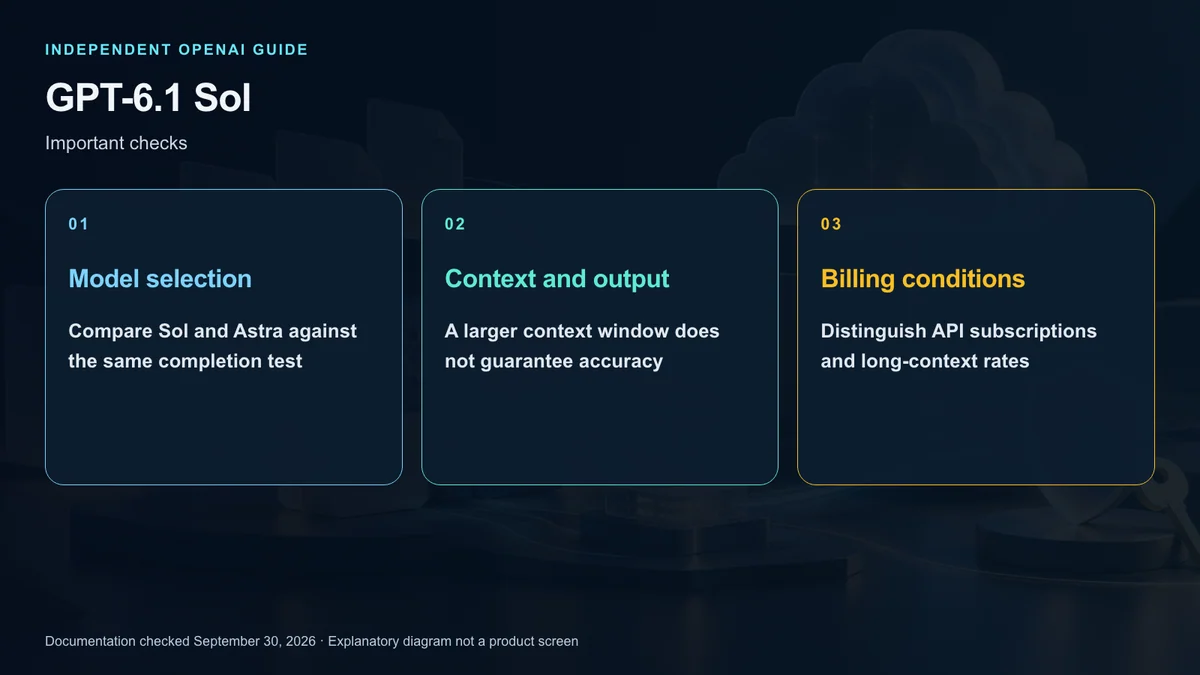
The documented context window is 1,050,000 tokens, with a maximum input of 922,000 and maximum output of 128,000. The context-window headline is not an unrestricted input allowance; room for output and reasoning matters too.
Large context can help with substantial material, but irrelevant documents still create cost and verification work. Select useful evidence and require traceable conclusions rather than filling the window by default.
Configure reasoning and tools separately
Supported reasoning efforts are low, medium, high, xhigh, and max, with medium as the default. The model does not support none or minimal. Test stronger effort against both quality and latency instead of assuming that more computation is always appropriate.
Use Responses for tool calls. Chat Completions support does not include tool calling for this model. A documented tool capability also requires the correct configuration, service access, and permissions.
Begin with a representative task at a sensible baseline. Adjust one factor at a time so you can identify whether a change actually improves the workflow.
Understand the pricing categories
For Standard short-context requests, prices per million tokens are $2 for uncached input, $0.10 for cached input reads, $2.50 for cache writes, and $10 for output. These are different billing categories.
A prompt exceeding 272,000 input tokens switches the entire request to long-context pricing. Input and cache rates double, while the output rate increases by half. Applying the higher rate only to tokens beyond the threshold understates the cost.
Fast is priced at twice Standard; Batch and Flex are listed below Standard. Eligible regional processing and tools can add charges. These distinctions prevent a headline token rate from becoming an inaccurate final-cost estimate.
Work through three examples
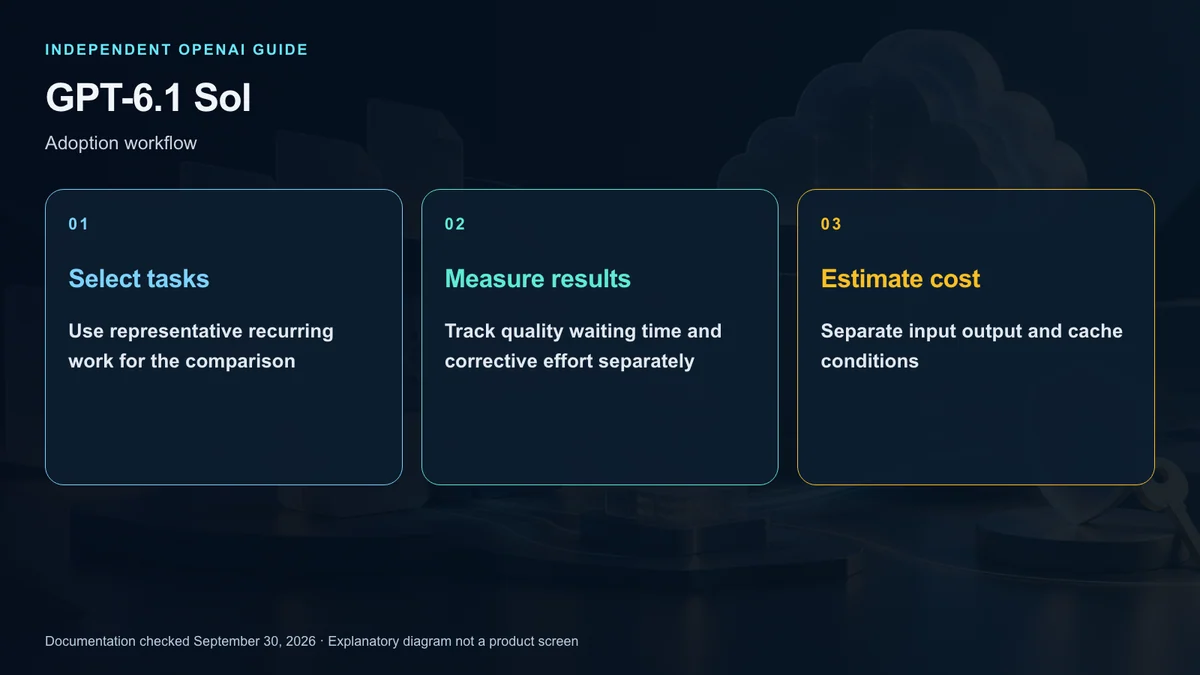
Assume 100,000 uncached input tokens and 10,000 output tokens in short-context Standard. Input costs $0.20 and output costs $0.10, giving a $0.30 token total before tool or regional charges.
Now assume 300,000 input tokens and the same output. The long-context rates are $4 per million input tokens and $15 per million output tokens. The request therefore costs $1.35 for those tokens, not a short-context price plus a small surcharge on the excess.
Finally, assume all 100,000 input tokens qualify as cache reads, with 10,000 output tokens. That read-and-output total is $0.11, but it excludes the initial cache-writing cost. Cache eligibility and the wider lifecycle must be considered before treating that number as a savings forecast.
Compare with Astra on the same evidence
Use identical tasks and source material. For code, inspect tests, change scope, and missed requirements. For research, inspect evidence and treatment of contradictions. For documents, inspect whether the required content and facts survived.
An illustrative evaluation can use 12 representative tasks and record success, total usage, wait time, and human correction effort. This is a proposed team method, not an official benchmark. A lower unit price can lose its advantage if failed attempts or review effort multiply.
For a US team’s budget, keep API charges, subscription fees, and infrastructure expenses in separate categories. Then estimate repeated workload cost using observed results rather than an isolated successful response.
Check residency and product access
The model documentation lists US and EU data residency, but says Fast is unavailable with EU residency. Eligibility and processing-tier compatibility must be checked separately.
Access through a ChatGPT plan is also distinct from API access. Consult the current model list for Work or Codex and the account’s usage controls. API token rates do not tell you how many subscription tasks are included.
Adopt on evidence
Sol is worth evaluating when substantial recurring work needs a balance between cost and quality. If a current model already meets your requirements, test before changing production configuration.
The decision belongs to a workflow, not a spec-sheet headline. Use the calculations here as a starting point and recheck the price and availability documents before deployment.
Sources and editorial note
This is an independent explainer, not an OpenAI publication or endorsement. Product names identify their respective owners. Illustrations and diagrams are explanatory, not actual product screens or official OpenAI artwork.
Sources: OpenAI Developers — Model specification · Model selection · API pricing · Work and Codex models · Subscription usage