Logitech G PLAY 2026 Preview: Hardware, Compatibility and G HUB Questions to Ask
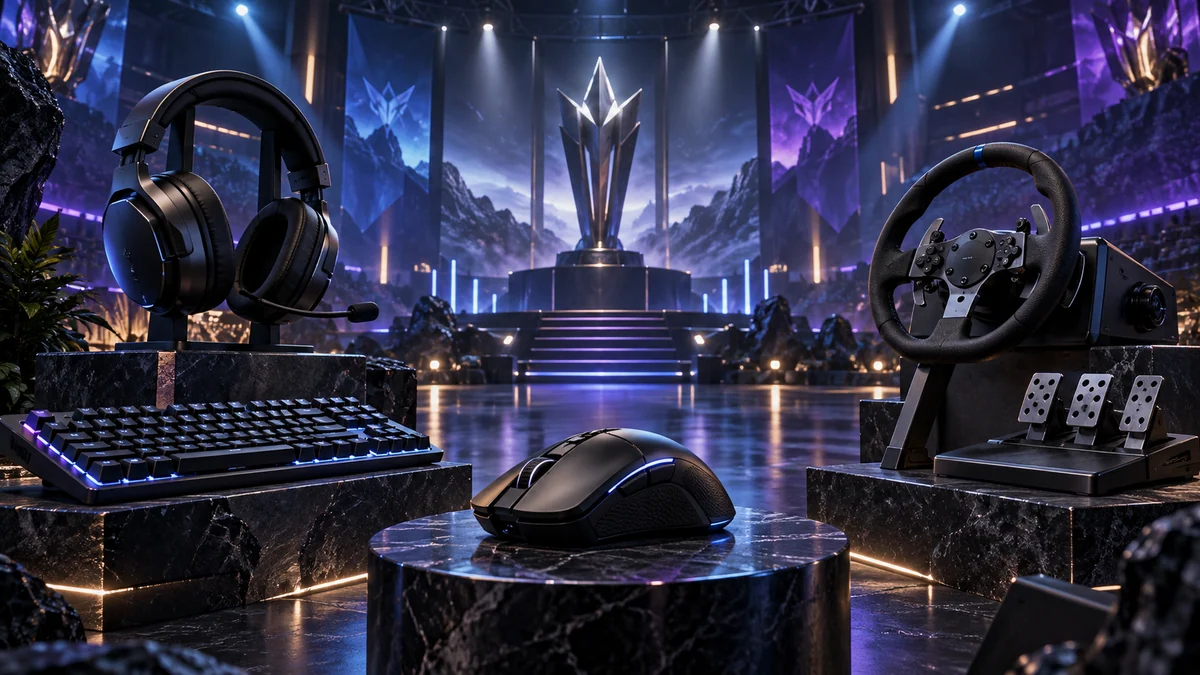
Logitech G lists its global G PLAY 2026 broadcast for September 23 at 9 a.m. PST. The official preview spans PC gaming, consoles, esports, sim racing, streaming and G HUB. This guide was written before the broadcast, so it does not invent a product lineup or attach prices to unannounced hardware. Its purpose is to turn the eventual marketing presentation into a verification checklist for U.S. buyers.
Three things to know
- Logitech has announced flagship events in Los Angeles, Warsaw and Shanghai, supported by 12 regional events, but has not prepublished every product name and price.
- Peak DPI, polling rate or driver size is not enough; weight balance, latency, battery conditions, onboard memory, replacement parts and software dependence determine daily value.
- G HUB belongs in the buying decision because permissions, background services, firmware updates and profile storage can affect otherwise capable hardware.
A category-by-category verification plan
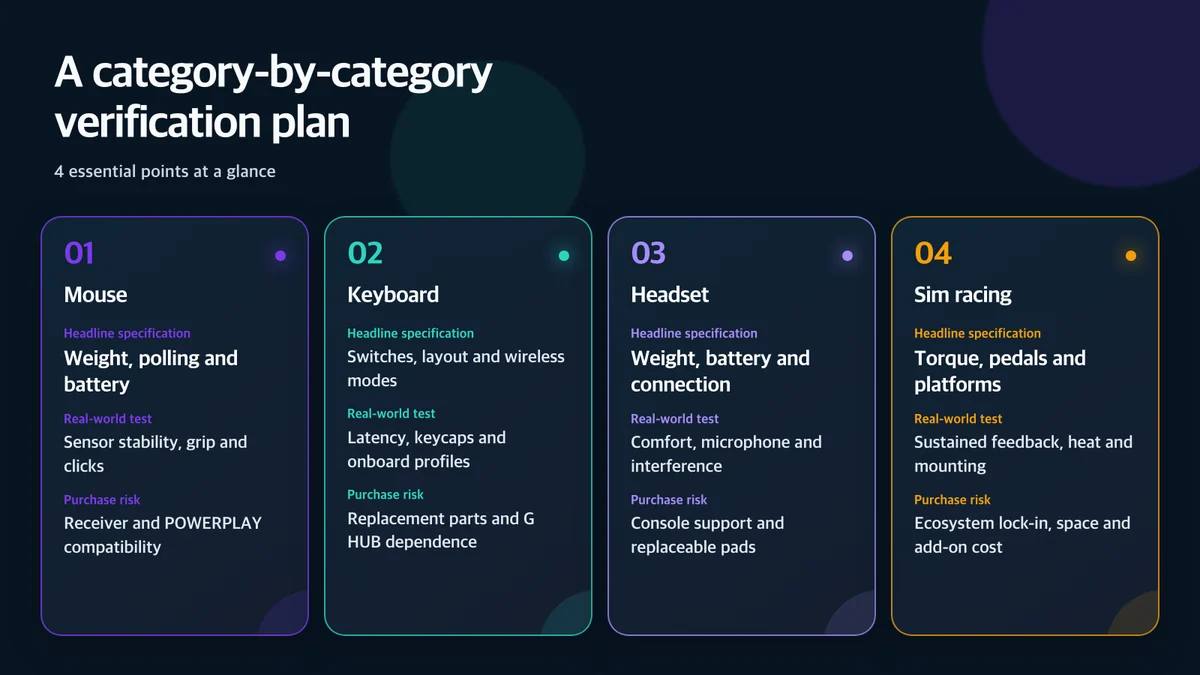
Logitech’s press release promises hardware reveals, engineering informed by player data and attention to sim racing. “Next generation,” however, does not mean better on every dimension. Lower weight can change battery capacity and shell stiffness. Higher polling can raise CPU activity and power use. A revised wireless protocol can improve latency while breaking compatibility with older receivers or charging accessories.
For mice, test the complete input path
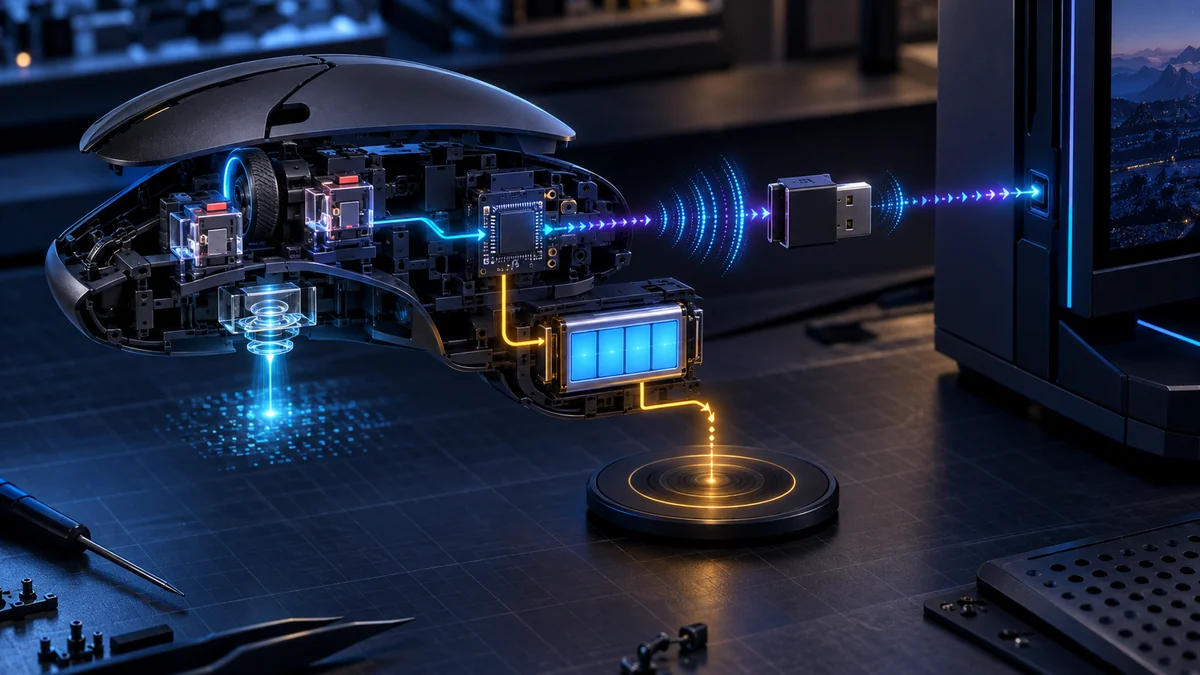
Logitech G’s current technology baseline includes LIGHTSPEED wireless, the HERO 2 sensor, LIGHTFORCE hybrid switches and POWERPLAY 2. The company’s current HERO 2 material lists an 8kHz polling option, up to 88G acceleration, 888IPS speed and up to 44,000DPI. Those numbers create a comparison baseline, not a guarantee that every player benefits from the maximum mode.
End-to-end input latency includes sensor sampling, wireless transport, USB polling, the operating system, game engine and display refresh. An 8kHz mode can require more CPU time, may behave differently across games and can reduce battery life. After the announcement, reviewers should test 1kHz, 2kHz, 4kHz and 8kHz operation separately, report wireless and wired results, disclose firmware versions and state whether a receiver extender was used.
Weight also needs context. Front-to-back balance, side-button placement, wheel force, hand size and grip style shape fatigue. A new ultralight mouse should be compared with the PRO X SUPERLIGHT and G502 families on shape, controls, charging and onboard storage—not only grams.
A keyboard or headset should survive without a resident app
A gaming keyboard’s practical questions include physical layout, switch serviceability, keycap compatibility, connection switching and onboard profiles. If macros, lighting or game mode disappear when G HUB closes, the product becomes harder to use across a gaming PC, work computer and tournament system. Buyers should verify which settings live on the device and which require the desktop application.
For headsets, driver diameter and virtual-surround branding reveal little about microphone quality, wireless interference, simultaneous Bluetooth, console support, eyeglass pressure or replacement ear pads. Reviews should also test whether the headset works while charging and whether USB, analog and Bluetooth modes expose the same controls.
Sim-racing hardware is an ecosystem decision
A wheelbase rarely stands alone. Steering wheels, pedals, shifters, handbrakes, mounting hardware and platform licenses form a chain. If G PLAY introduces sim-racing equipment, the peak torque figure should be paired with sustained force, thermal behavior, desk-mount contents, emergency-stop support and compatibility with older wheels and pedals.
Console compatibility can be tied to a particular base or wheel rather than the entire system. A buyer who switches from PC to PlayStation or Xbox may need more than a cable. U.S. pricing should therefore include the usable bundle—not just the least expensive headline component.
Why G HUB is part of hardware quality
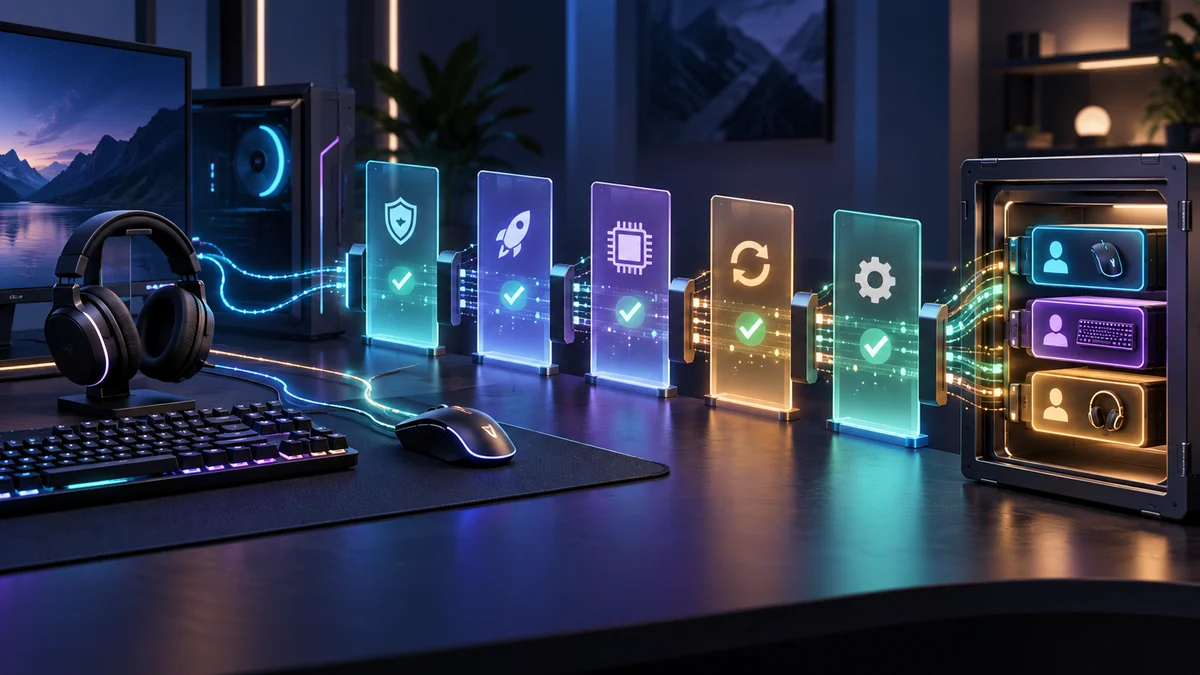
G HUB manages DPI, buttons, lighting, audio and game profiles, but it also runs background components and requests operating-system permissions. Logitech’s support documentation says macOS users may see requests involving Keychain Access, Screen Recording and Accessibility. Another support document explains that profile data can be lost after sleep or reboot when the local settings files lack write permission.
Those facts do not make the software unsafe. Screen-reactive lighting needs access to screen content, and system-wide macros can require input-control permission. The test is whether each permission is tied to an understandable feature and whether a user can decline an optional capability without losing basic device operation.
Post-event reviews should answer:
- Does basic input work without G HUB?
- Which settings persist in onboard memory?
- Can automatic launch be disabled without losing profiles?
- Is there a recovery path for a failed firmware update?
- Are Windows and macOS features equivalent?
- Which feature needs Screen Recording or Accessibility access?
- Can local profiles be backed up without a cloud account?
- Does uninstalling the app remove background services cleanly?
What U.S. buyers should check after the stream
- Separate MSRP from launch discounts and bundles.
- Check whether a product is actually in stock or merely announced.
- Confirm the receiver, cable and adapters included in the box.
- Verify POWERPLAY compatibility by exact model and generation.
- Check PlayStation, Xbox and PC support separately.
- Compare warranty and replacement-part availability.
- Read battery claims with polling, lighting and audio conditions.
- Identify the functions that require G HUB and those stored onboard.
The useful story after Logitech G PLAY 2026 will not be a list of names copied from a keynote. It will be whether the new hardware improves the full experience without creating receiver, software or ecosystem costs that the specification sheet hides.
Sources and use notice
- Official Logitech G PLAY 2026 event page
- Official Logitech G PLAY 2026 press release
- Logitech G technology overview
- Logitech support: G HUB permission prompts on macOS
- Logitech support: preserving G HUB settings
This article independently analyzes Logitech’s pre-event information and existing support documentation. It does not reproduce official product photography or interfaces and does not present unannounced names, prices or specifications as confirmed.