OpenAI Agents API and Computer use A guide to approvals and recovery

Putting browser automation into an AI product requires more than a model that can click the right button. Developers must define the execution environment, present user decisions at the right time, and recover interrupted work without repeating actions. Agents API and Computer use bring those design questions into focus.
This guide explains the structure documented by OpenAI as of September 30, 2026. It is not a production implementation or a measured performance review. The adoption example below is an original suggestion for testing a narrow workflow.
Understand the managed execution layer
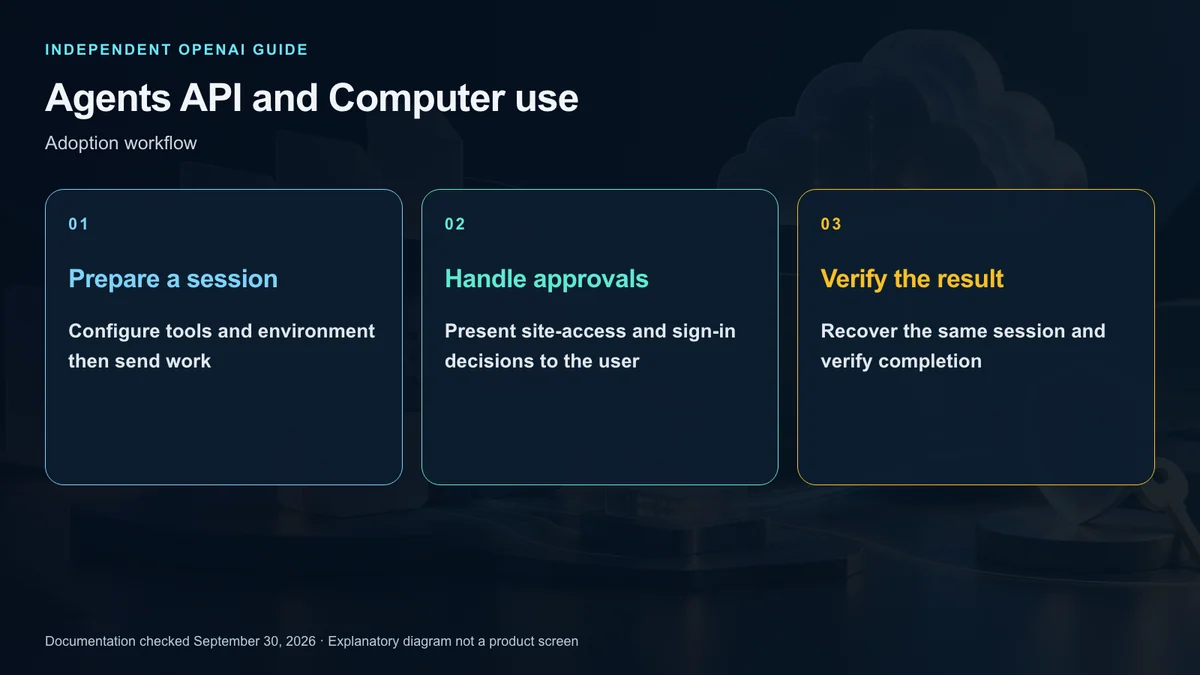
Agents API provides a managed Codex harness. OpenAI maintains the execution machinery, including session continuity and context management, while your application configures the tools and environment needed for its task.
Think of three separate responsibilities. An agent defines the model, instructions, and tools. An environment supplies an execution space. A session preserves a particular ongoing interaction. Events connect requests, progress, and results to your application.
For an illustrative comparison of 3 public help pages, the application would collect the user’s comparison criteria, provide a bounded task, and display results with source URLs. The API’s availability does not itself grant permission to collect or republish every site’s content.
Distinguish the hosted browser from local access
Computer use in this guide operates a browser hosted by OpenAI. It should not be described as unrestricted control of the user’s existing browser or personal computer.
Configuration includes the computer_use tool, an openai_hosted environment, and desktop enablement. Network policy must permit the resources needed for the task. Creating a session and supplying work are distinct steps.
Consider it for tasks requiring interaction with web interfaces, such as inspecting permitted pages or checking a test site. If a reliable service API can provide the same information with narrower privileges, compare that route before choosing browser interaction.
Start with a bounded read-only example
A useful first experiment is to visit approved documentation pages, collect their titles and update dates, and return source addresses. Exclude account sign-in, posting, payment, and data changes from this trial.
Evaluate three things: whether the intended sites were used, whether the returned information matches those pages, and whether interruptions are understandable to the user. One successful sequence of clicks is not enough to establish operational readiness.
Before considering changes to live services, use a test environment or accounts without modification privileges. An instruction prohibiting changes and an environment that cannot perform them are different controls.
Keep site access separate from action consent
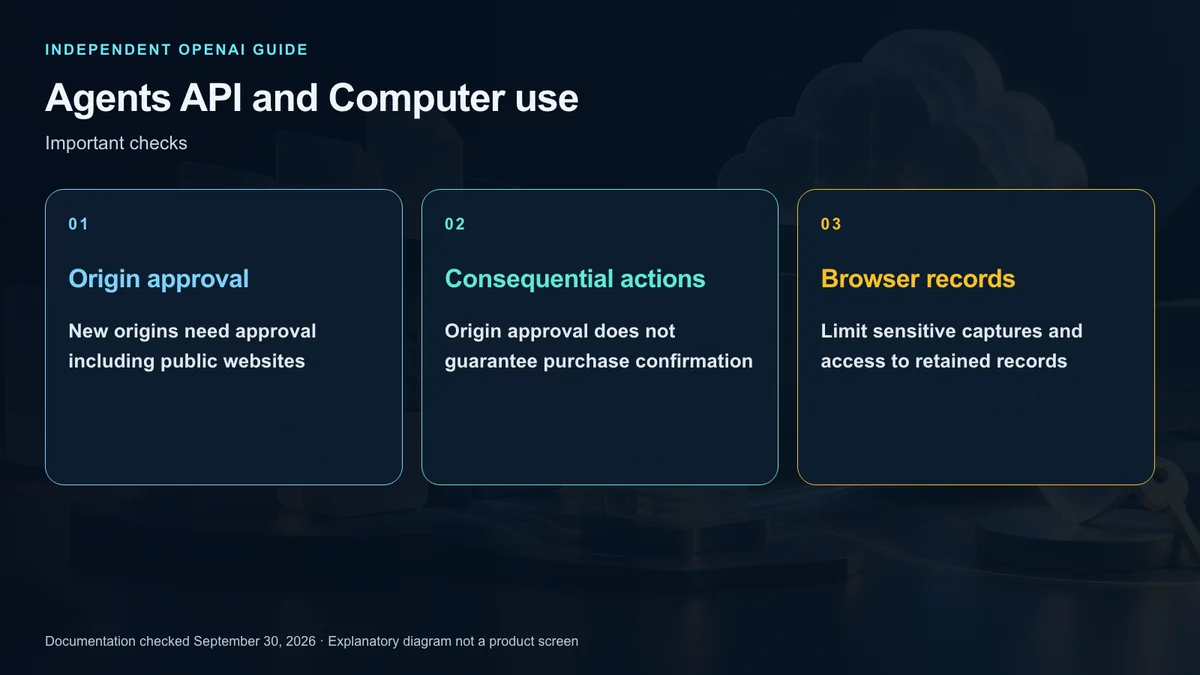
Each new website origin needs user approval, even when the site is public. Network access and origin approval are independent requirements. Your interface should identify the destination and let the user decide whether to proceed.
That approval does not guarantee a confirmation step before a purchase, deletion, or other consequential action on the approved site. Do not label it as blanket consent for everything the browser can do there.
If confirmation must be guaranteed, restrict the browser to resources where those actions are unavailable, or use an execution runtime you control with enforceable safeguards. A prompt asking the model to call a confirmation function is not equivalent to a mandatory server-side approval gate.
Treat material encountered on websites as untrusted input. A page cannot authorize new privileges or replace the user’s original instructions.
Design sign-in outside ordinary chat
When authentication is required, present a dedicated interface showing the credential destination and requested inputs. Do not ask users to paste passwords into an ordinary task conversation. Decline authentication when the destination cannot be verified.
The documented flow supports passwords, email details, and verification codes; passkeys and QR sign-in are outside its supported methods. Authentication requests come from the main agent, not its subagents.
Canceling a sign-in request does not itself stop the running turn. Decide explicitly whether a declined login should end the task or allow a narrower public-information workflow to continue.
Recover existing work before retrying
Persist the session identifier and pending request identifiers. If acknowledgement is lost, a new session repeating the original task may duplicate an action whose outcome is unknown.
Retrieve the existing session first and inspect the action currently awaiting input. Authentication requests have a five-minute expiry, so an old sign-in form may no longer be valid when the connection returns.
Completion of one browser operation is also different from completion of the main agent’s turn. Confirm the final result before displaying success. Test interrupted connections and unknown delivery outcomes independently from normal browsing.
Review records and costs deliberately
To expose browser progress in your application, inspect the tool’s include_screenshots setting. Screenshots are not included in API output by default, but the agent can still observe the browser. Screens may contain customer information, so limit storage and access to captured material.
Budget for the selected model, applicable tools, and hosted execution resources separately. Consult the API price schedule rather than assuming a personal ChatGPT subscription covers these sessions.
Once the turn has ended, save any required outputs. Session deletion then requests cleanup of the hosted environment. This cannot reverse changes already made on another service.
Define an operational acceptance test
Accept the feature only after it respects task boundaries, presents approval choices correctly, and recovers interrupted sessions without blind repetition. Begin with public read-only tasks and add consequential capabilities only when their controls are enforceable.
Agents API provides the continuing execution framework; Computer use supplies a browser interaction tool within it. Keeping those roles separate makes application ownership of consent, privacy, verification, and spending much clearer.
Sources and editorial note
This is an independent explainer, not an OpenAI publication or endorsement. Product names identify their respective owners. Illustrations and diagrams are explanatory, not actual product screens or official OpenAI artwork.
Sources: OpenAI Developers — Agents API overview · Computer use · Environment configuration · API pricing