Gemini Guided Vision: features, setup, and safety limits
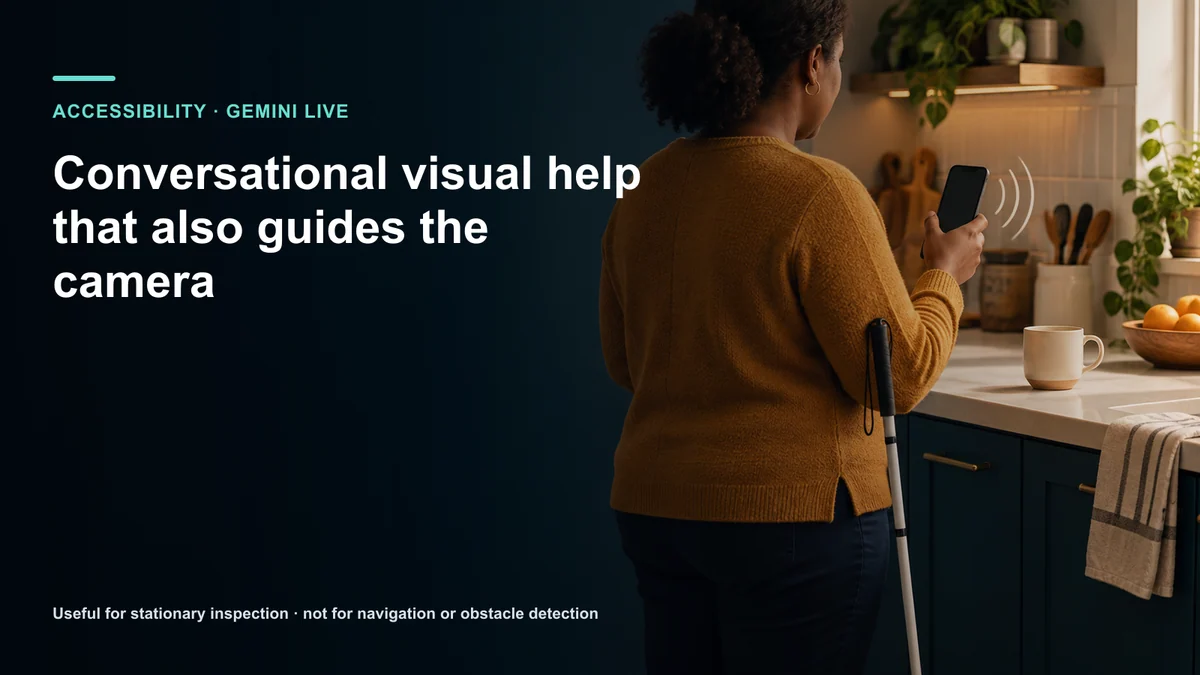
Guided Vision launched October 1 2026 on compatible Android 9 and later devices where Gemini Live is supported. Google says it worked with Aira on tens of thousands of hours of visual interpretation and more than 1000 Trusted Testers. This guide separates confirmed events, attributed claims, technical limits, and the evidence still needed for a practical decision.
The short answer: it helps inspect a scene, not travel through one
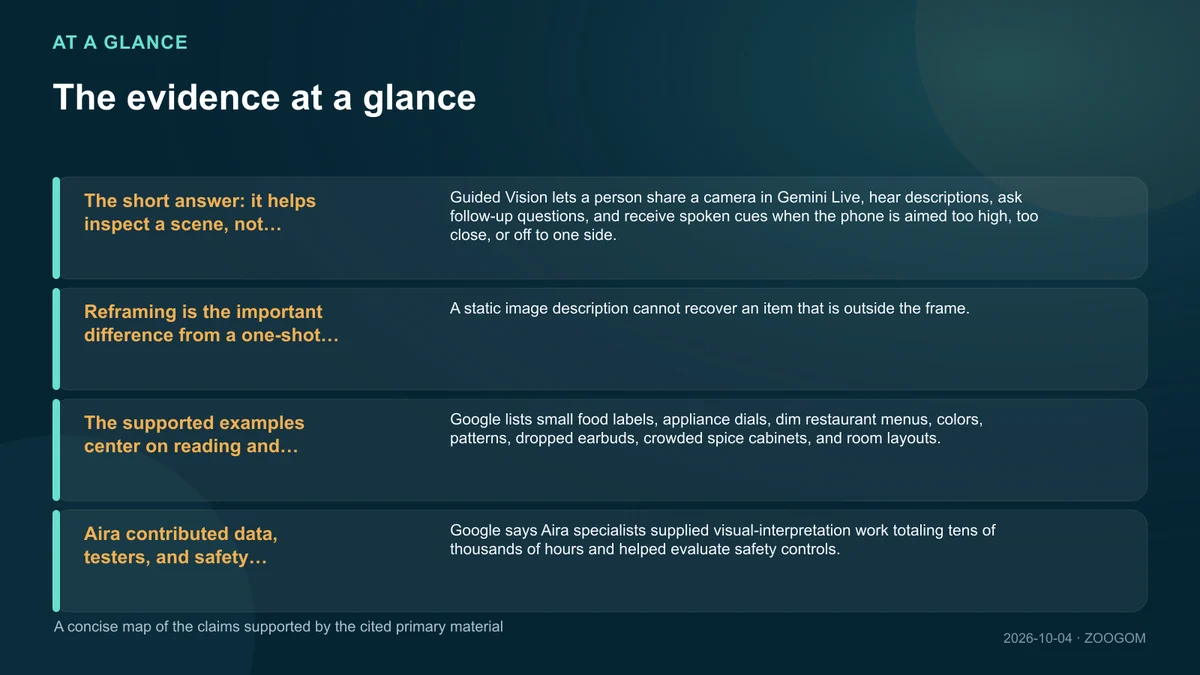
Guided Vision lets a person share a camera in Gemini Live, hear descriptions, ask follow-up questions, and receive spoken cues when the phone is aimed too high, too close, or off to one side. It was built primarily with blind and low-vision users in mind.
Generative AI can be wrong. Google explicitly says the feature is not a medical device, mobility aid, white-cane replacement, navigation service, safe-travel guide, or obstacle detector.
Reframing is the important difference from a one-shot description
A static image description cannot recover an item that is outside the frame. Guided Vision can ask the user to pan right, tilt down, center an object, or step back and then continue the conversation.
That creates a feedback loop between description and camera position. The user can refine the question while the system requests the visual context it still needs.
The supported examples center on reading and identification
Google lists small food labels, appliance dials, dim restaurant menus, colors, patterns, dropped earbuds, crowded spice cabinets, and room layouts. These are stationary tasks where a user can pause and verify.
Examples describe intended use, not guaranteed accuracy in every scene. Reflections, low light, motion, occlusion, similar objects, and poor connectivity can change the result.
Aira contributed data, testers, and safety expertise
Google says Aira specialists supplied visual-interpretation work totaling tens of thousands of hours and helped evaluate safety controls. The company also reports that its test group included over one thousand people drawn from Aira’s established community.
Community participation is meaningful, but it is not medical-device certification or proof that every disability, language, skin tone, device, and environment is equally represented. Ongoing segmented results still matter.
Availability requires Android 9 or later and Gemini Live support
A compatible Android phone or tablet must use version 9 or newer, and the person must be in a market and language that already offers Gemini Live. The Gemini app and Android software should be current.
Google’s help page also says rollout is gradual. Two people with apparently compatible phones may not receive the switch at the same time. The announcement does not promise equivalent web or iPhone availability.
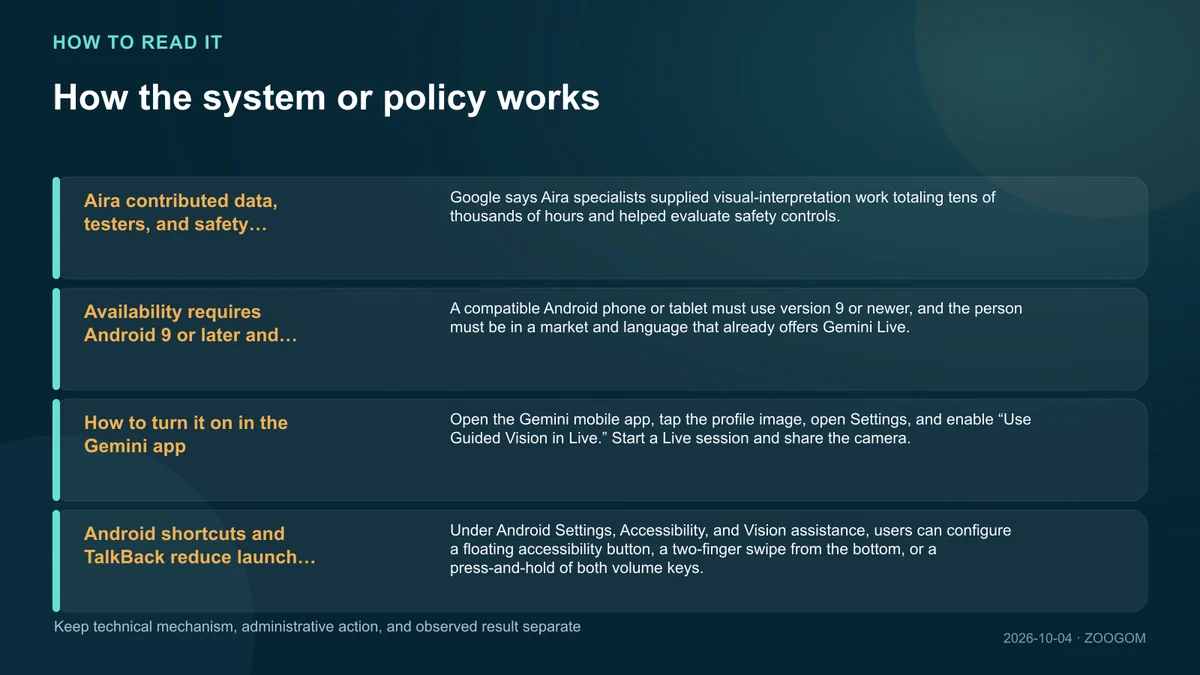
How to turn it on in the Gemini app
Open the Gemini mobile app, tap the profile image, open Settings, and enable “Use Guided Vision in Live.” Start a Live session and share the camera.
For a first test, choose a stationary indoor task that can be verified another way, such as a color or a large-print label. Do not begin with medication dosage, a hot appliance, or another high-consequence decision.
Android shortcuts and TalkBack reduce launch friction
Under Android Settings, Accessibility, and Vision assistance, users can configure a floating accessibility button, a two-finger swipe from the bottom, or a press-and-hold of both volume keys.
TalkBack users can open the three-finger menu and choose Guided Vision. Menu wording and gestures can vary by device vendor or version, so practicing the shortcut in a safe place is worthwhile.
Camera privacy includes everyone and everything in frame
A live camera may capture faces, mail, addresses, account details, screens, or behavior belonging to other people. The user should consider consent as well as their own data settings.
Frame only the needed object, move sensitive material away, review Gemini activity controls and any work-account policy, and end camera sharing when the task is complete.
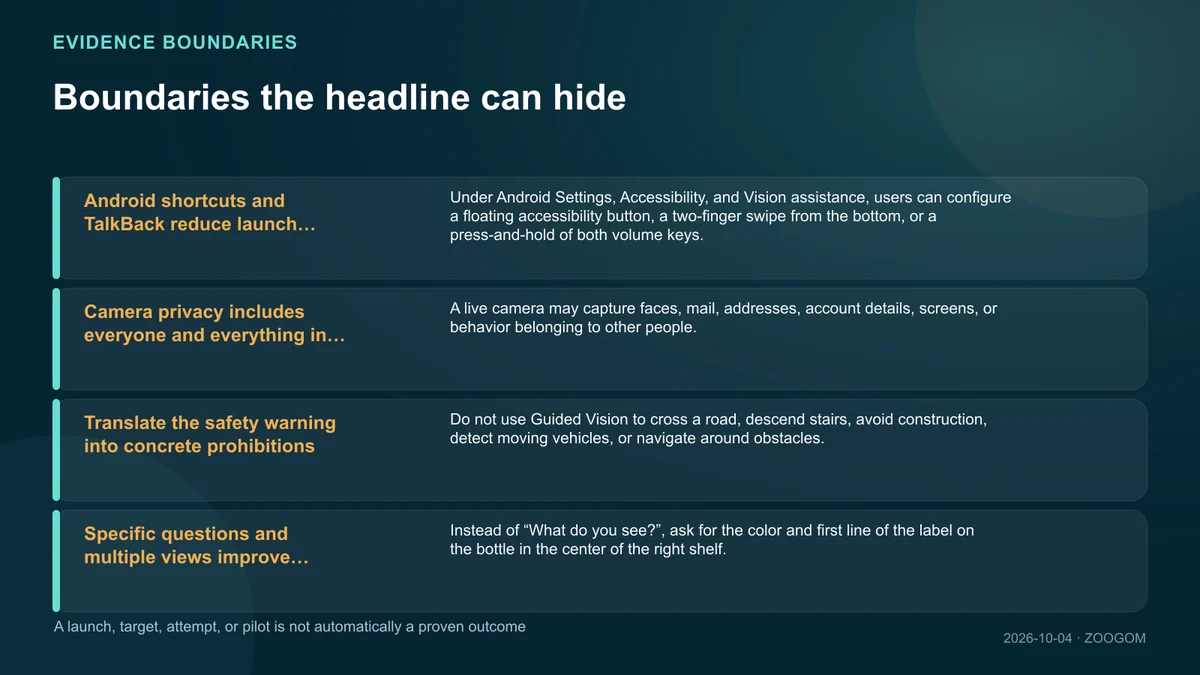
Translate the safety warning into concrete prohibitions
Do not use Guided Vision to cross a road, descend stairs, avoid construction, detect moving vehicles, or navigate around obstacles. Latency and a single false description can become an immediate physical hazard.
Medication names, allergen labels, gas controls, electrical panels, and other high-consequence details should be checked against accessible official information or a trusted person.
Specific questions and multiple views improve verification
Instead of “What do you see?”, ask for the color and first line of the label on the bottle in the center of the right shelf. Ask whether text is obscured and request an uncertainty statement.
Show a second angle and compare the answers. For important information, verify with a barcode, accessible digital document, trained human service, or another independent source. Fluent speech is not a confidence score.
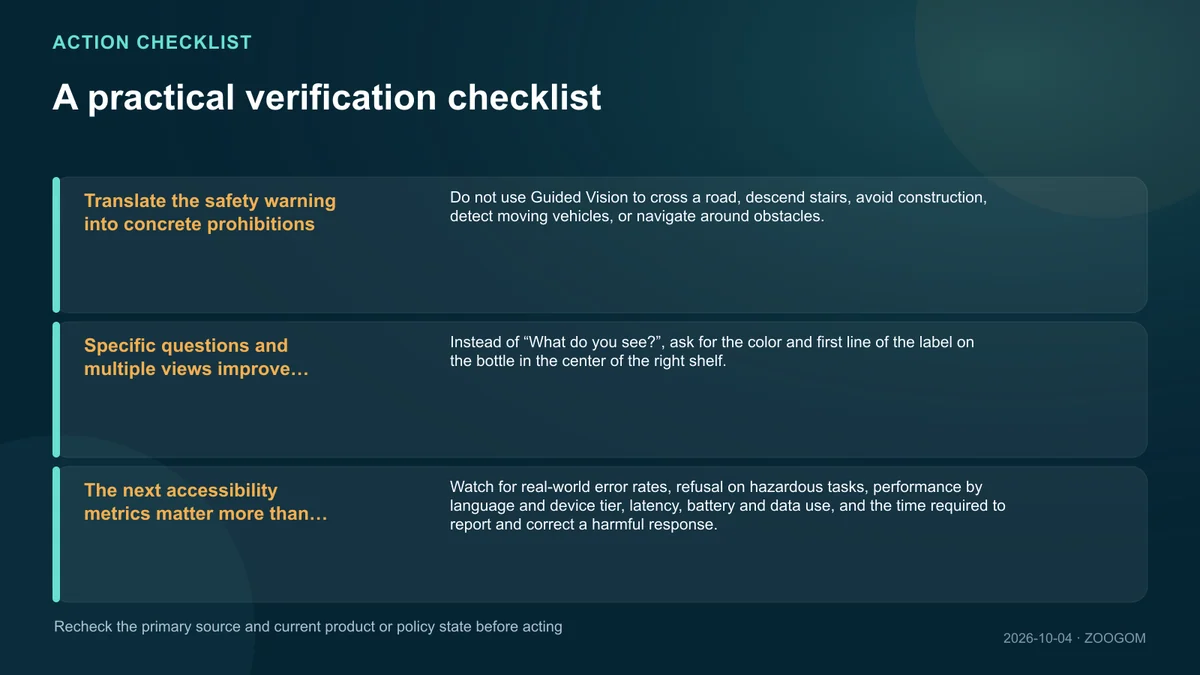
The next accessibility metrics matter more than launch reach
Watch for real-world error rates, refusal on hazardous tasks, performance by language and device tier, latency, battery and data use, and the time required to report and correct a harmful response.
The value of Guided Vision is not replacing a cane or orientation skill. It is adding a controllable way to inspect text and objects while keeping established mobility tools and safe-travel practices in charge.
Copyright, trademark, and image notice
Company and product names may be trademarks of their respective owners. Unless otherwise credited, visuals are AI-generated conceptual backgrounds or original editorial designs and information graphics. Any quotations or third-party assets are identified with the applicable author, source, and usage information at the point of use or in the source list.
Sources and the next facts to verify
The links below are the primary and official materials used for fact-checking. Linking a source does not mean reproducing its prose, imagery, or page design.