Why Mac Full Disk Access is changing for the AI agent era
On October 2, 2026 Apple said it will add controls requiring very explicit user action before granting Full Disk Access. Full Disk Access can reach files and data from apps such as Mail Messages Safari and Home as well as Time Machine backups. This guide separates confirmed events, attributed claims, technical limits, and the evidence still needed for a practical decision.
The short answer: Apple is making a rare permission harder to grant
Apple did not announce the end of Full Disk Access. Backup software and a few other tools can have a legitimate need to inspect an entire Mac. The company said it will introduce additional controls so a user who truly wants to grant that exceptional reach must take a very explicit action.
That wording describes a direction, not a shipped feature. Apple has not identified the macOS release, launch date, number of confirmation steps, or treatment of permissions that users have already granted.
Full Disk Access is broader than choosing a file or folder
A normal file picker lets a person disclose a particular document or directory. Apple’s current settings guide says Full Disk Access can include all files on the computer, other apps’ data such as Mail, Messages, Safari and Home, Time Machine backups, and some administrative settings.
It does not magically decrypt every protected secret. It does, however, cross many of the compartments that normally keep one app from seeing another app’s material. That can expose the privacy of correspondents as well as the Mac owner.
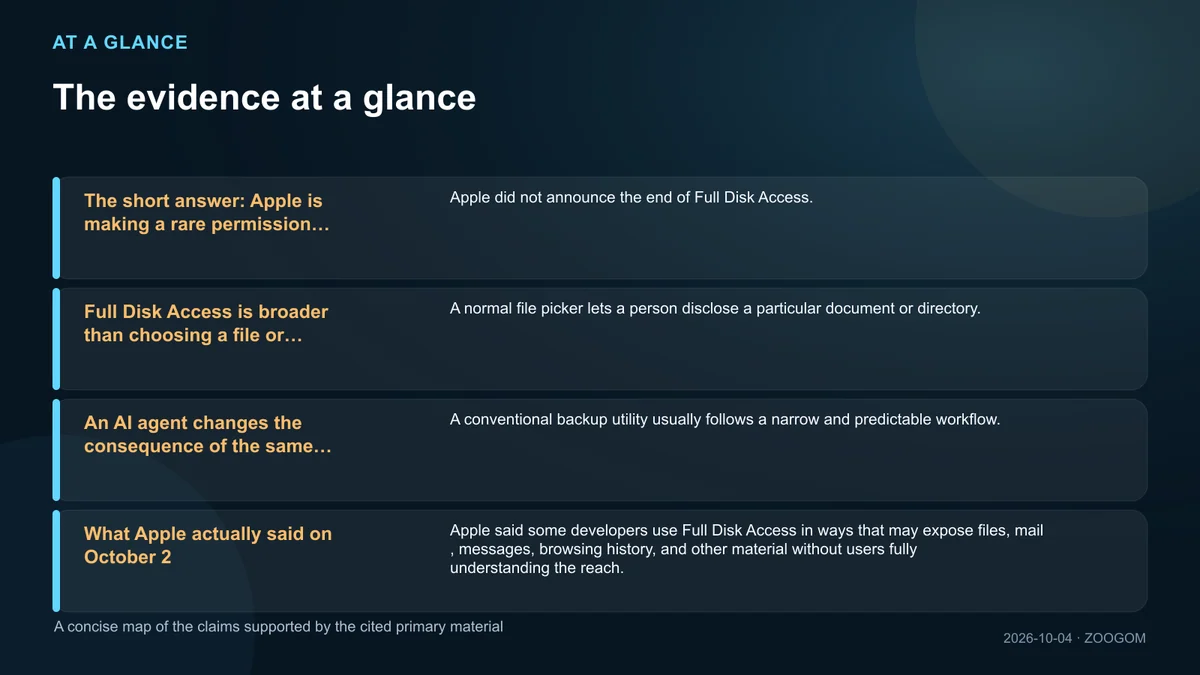
An AI agent changes the consequence of the same grant
A conventional backup utility usually follows a narrow and predictable workflow. An agent can interpret a goal, traverse directories, read instructions embedded in external content, choose a tool, and decide what to do next.
If Full Disk Access is combined with network access, shell execution, browser sessions, or app automation, a mistaken decision can become a three-stage chain: discover sensitive material, transform it, then transmit or modify it. Permission combinations matter as much as any single toggle.
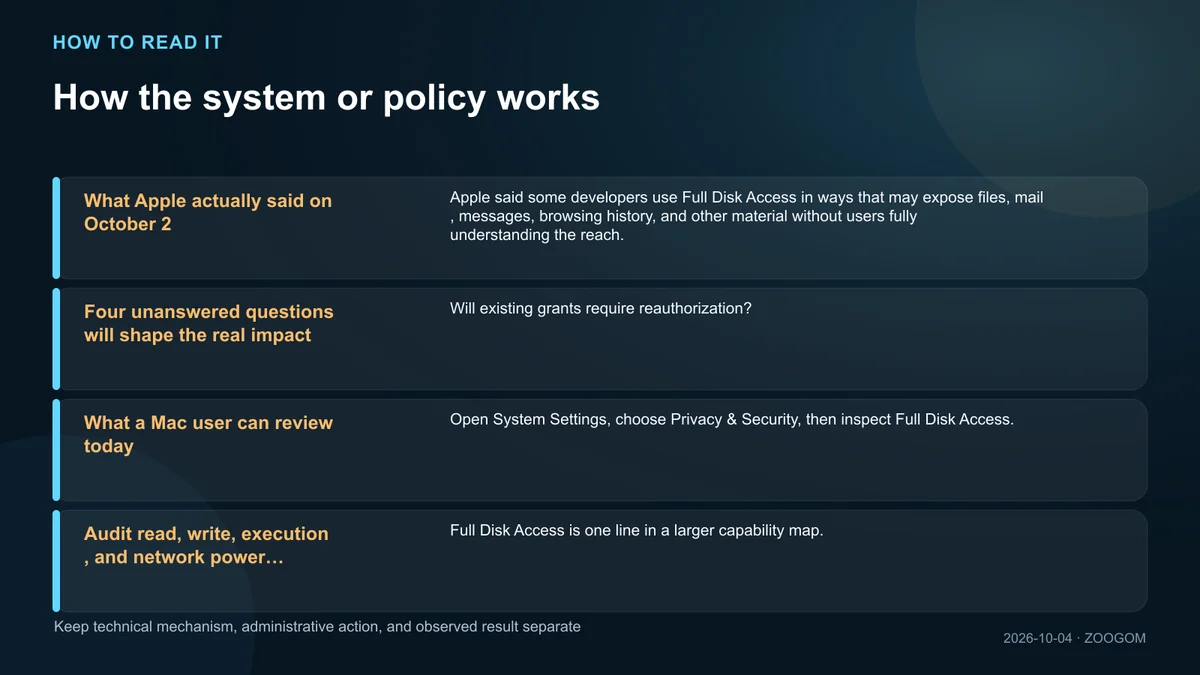
What Apple actually said on October 2
Apple said some developers use Full Disk Access in ways that may expose files, mail, messages, browsing history, and other material without users fully understanding the reach. It promised additional controls tied to explicit user action and connected the urgency to increasingly capable autonomous agents.
The notice did not publish a new API, beta timeline, enterprise exception, user-interface mockup, or developer migration guide. Headlines that describe a completed macOS lockdown go beyond the available evidence.
Four unanswered questions will shape the real impact
Will existing grants require reauthorization? Can macOS distinguish a backup product from a general agent? Will access be split by folder, data type, purpose, or time? How will mobile-device-management policies and audit logs work on managed Macs?
Developers should not redesign onboarding around guesses. They can document why each protected resource is required and test whether a user-selected folder, app container, one-time export, or narrower API can replace the broad grant.
What a Mac user can review today
Open System Settings, choose Privacy & Security, then inspect Full Disk Access. Investigate software you no longer recognize, remnants of uninstalled tools, and applications that needed broad access only for a one-time migration.
Do not disable backup or endpoint-security software blindly. Check the vendor’s current documentation, remove one grant at a time, and verify that backups, recovery points, and security monitoring still work. A smaller permission list is useful only if critical protections remain healthy.
Audit read, write, execution, and network power separately
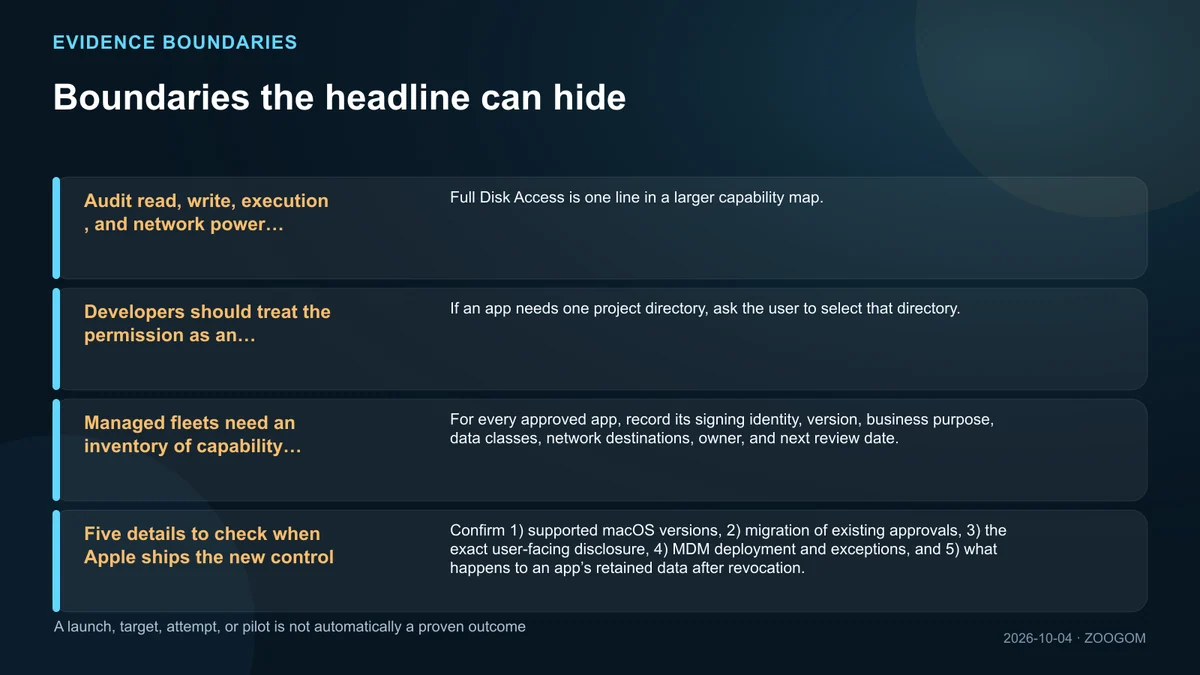
Full Disk Access is one line in a larger capability map. Check Accessibility, Automation, Developer Tools, Remote Login, saved browser sessions, shell tools, and connected cloud services as separate controls.
Classify an agent’s actions into four layers: read, write, external transmission, and irreversible execution. A local search assistant is not equivalent to a tool that can edit files and send messages, even when both request the same disk permission.
Developers should treat the permission as an exception, not onboarding
If an app needs one project directory, ask the user to select that directory. Make degraded behavior visible when permission is absent, and explain the concrete feature that will fail rather than using a generic demand to enable security access.
Agents that ingest untrusted documents also need prompt-injection boundaries. Text inside a file must not silently become higher-priority instruction, and deletion, credential use, or external transfer should pause for a separate approval.
Managed fleets need an inventory of capability combinations
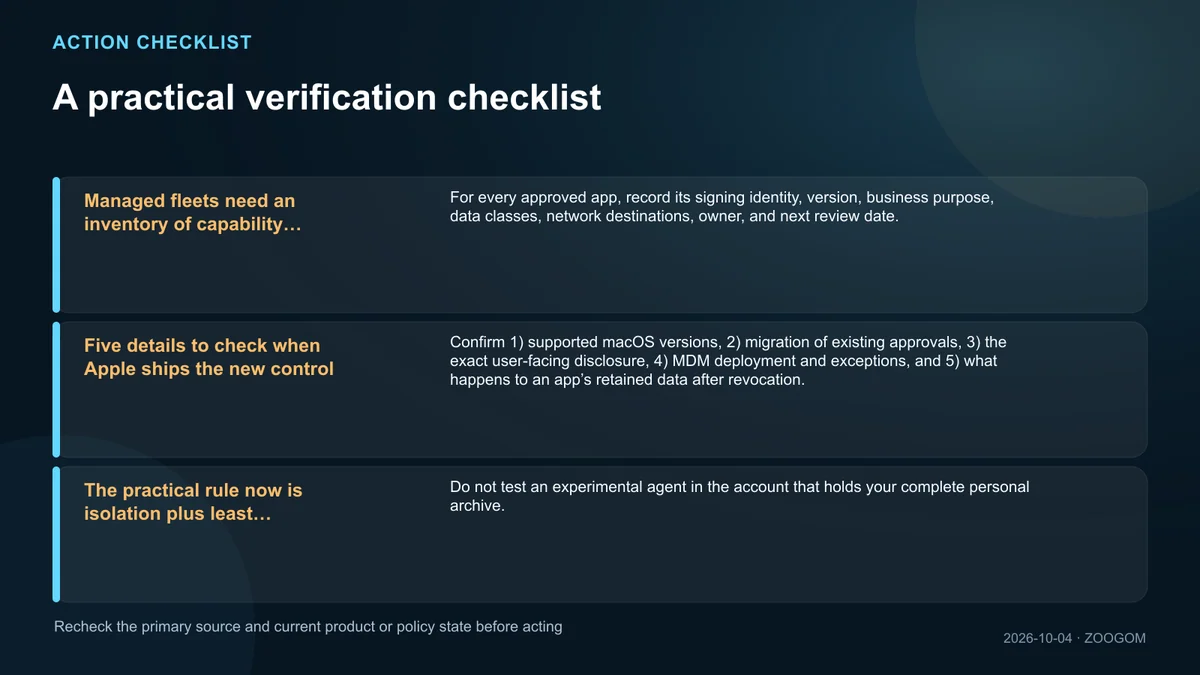
For every approved app, record its signing identity, version, business purpose, data classes, network destinations, owner, and next review date. An update or plug-in can change behavior even when the app name is unchanged.
A 90-day review is a practical starting point. Revoke access for dormant projects and departed employees, and compare actual filesystem and network activity with the reason that originally justified the grant.
Five details to check when Apple ships the new control
Confirm 1) supported macOS versions, 2) migration of existing approvals, 3) the exact user-facing disclosure, 4) MDM deployment and exceptions, and 5) what happens to an app’s retained data after revocation.
The quality of the control will not be measured by an extra click alone. A meaningful design should help a person predict scope, duration, and consequence before the agent begins work.
The practical rule now is isolation plus least privilege
Do not test an experimental agent in the account that holds your complete personal archive. Use a separate user, a test Mac, or a copied project folder, and do not grant disk, network, and write access all at once.
If broad access is unavoidable, consider enabling it only for the task window and disabling it afterward, after confirming the app’s restart behavior. Keep a recoverable backup and prove the workflow on a small sample before exposing a larger archive.
Copyright, trademark, and image notice
Company and product names may be trademarks of their respective owners. Unless otherwise credited, visuals are AI-generated conceptual backgrounds or original editorial designs and information graphics. Any quotations or third-party assets are identified with the applicable author, source, and usage information at the point of use or in the source list.
Sources and the next facts to verify
The links below are the primary and official materials used for fact-checking. Linking a source does not mean reproducing its prose, imagery, or page design.