Sign in with ChatGPT guide Login plan usage and app limits

A Continue with ChatGPT button can look like a promise that your subscription pays for everything in an external app. It is not. Using an identity to sign in and authorizing AI requests against your plan are separate decisions.
This guide covers the DevDay 2026 topic using official documentation checked September 30, 2026. Partner support and account controls can change. The examples explain how to assess a connection; they are not billing tests or savings measurements.
Separate identity from usage
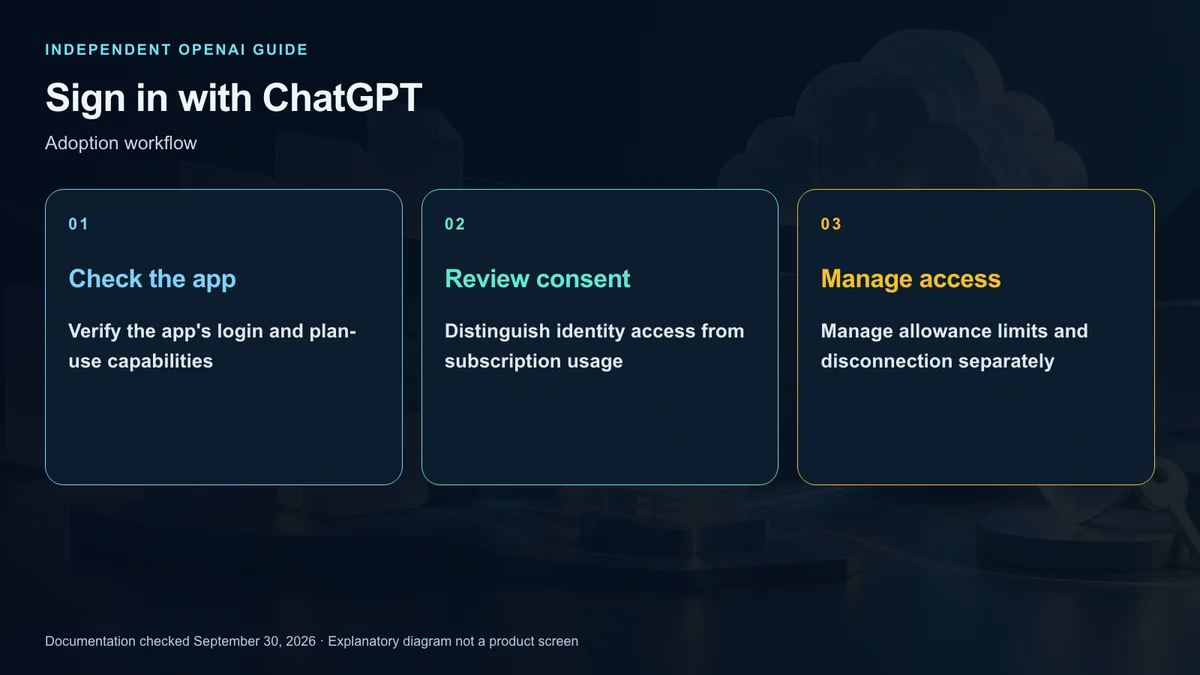
Sign-in lets you use a ChatGPT account in a participating app. Review the identity information it requests and the account it will connect.
In supported apps, eligible Plus and Pro users can separately authorize appropriate AI requests to consume their existing Work or Codex allowance. A successful identity login does not imply this second capability exists.
The external service can also have its own account and commercial terms. Storage, collaboration, or additional features may still carry charges. Keep the external subscription and ChatGPT usage in separate budget categories.
Read partner categories carefully
The current user guide separates plan-usage partners from sign-in-only partners. For example, Notion appears in the former list and Canva in the latter. That distinction does not establish that every feature in a listed service uses the ChatGPT plan.
Lovable is marked coming soon in the current list. A name appearing in documentation is not enough to claim current availability.
For a US account, verify the actual consent screen, account type, and the partner’s service terms. Organization and personal accounts should not be mixed merely because they share an email address.
Link the intended account
Choose the ChatGPT option in the participating app, authenticate the intended account, and review requested identity information. If an existing external account uses the same email, follow that app’s account-linking prompts.
An already signed-in app may offer linking through account or billing settings. Check whether you are connecting an existing account or creating a duplicate before proceeding.
If plan-usage consent appears, inspect it separately. Do not paste passwords or OAuth tokens into an ordinary chat to make the connection work.
Treat app limits as caps
Connected apps consume the plan’s existing limits; each connection does not create a fresh allowance. An app-specific percentage is also not a guaranteed allocation.
Settings and Usage provide app consumption information and weekly percentage controls. In an illustrative case, a 20% cap for app A limits how much it may use, but does not reserve that share. Other work can exhaust the overall allowance first.
Start with a small workload and inspect the resulting usage. Work in the external app, ChatGPT Work, and Codex may draw on shared resources, so a budget should consider the combined workflow.
Keep privacy permissions distinct
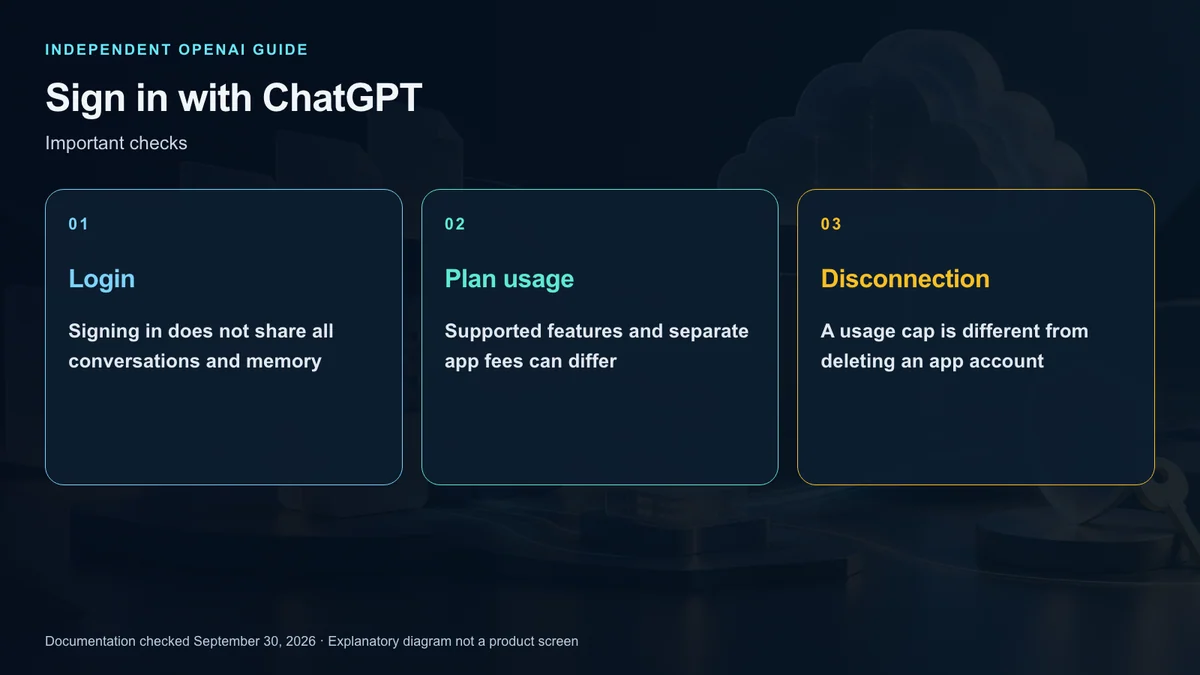
Allowing subscription usage does not, by itself, expose your personal chat history or stored memory to the app. Separate permissions or information you actively submit still need their own review.
Read the partner’s privacy policy and the actual authorization scope. Using ChatGPT-backed inference does not make every external service follow identical data practices.
Think in three categories: identity, AI usage, and work data. Connecting one category does not automatically grant the others without limit.
Check external charges
The app may retain its own fees even when eligible inference uses your plan. A free sign-in method is not a free subscription.
Inspect behavior at the usage limit and any relevant credit controls using current account and partner guidance. Do not assume a universal post-limit policy.
An illustrative budget review can compare weekly usage and the app’s bill before and after linking. That process can establish your own result; an untested connection cannot support a promised savings percentage.
Disconnect the right permission
The user guide places complete partner disconnection under Settings, Security and login, and Sign in with ChatGPT. Editing a usage cap is different from disconnecting account access.
Then inspect the external account and subscription. Disconnecting ChatGPT should not be treated as deletion of previously submitted data or automatic cancellation of the partner’s service. Use the partner’s own deletion or cancellation flow when required.
Developers should choose the correct route
The developer documentation distinguishes website identity, plugin authentication, and plan usage. An identity integration is not simply a normal API key attached to a user.
Current preview limitations require direct HTTP Responses requests to use store false and stream true. Conversation-state behavior and supported tools differ from unrestricted API-key assumptions. This guide is a route-selection explanation, not tested integration code.
The product is useful when it connects a familiar identity and eligible plan usage to another tool. Its value depends on understanding the specific account, permissions, limits, and charges involved.
Sources and editorial note
This is an independent explainer, not an OpenAI publication or endorsement. Product names identify their respective owners. Illustrations and diagrams are explanatory, not actual product screens or official OpenAI artwork.
Sources: OpenAI ChatGPT Learn — User guide · Developer overview · Preview limitations · Subscription usage